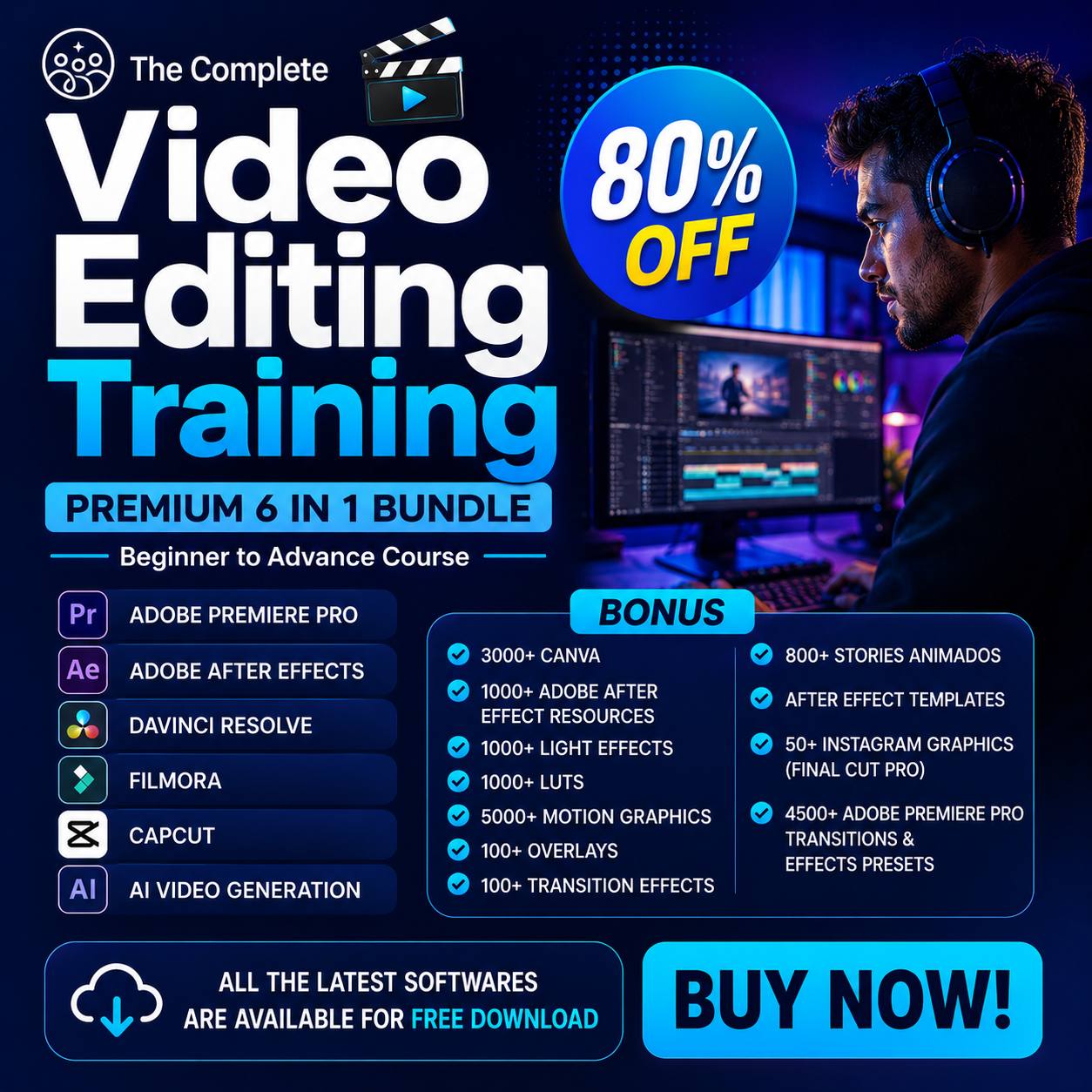
🎬 THE COMPLETE 6-IN-1 VIDEO EDITING MASTERY BUNDLE
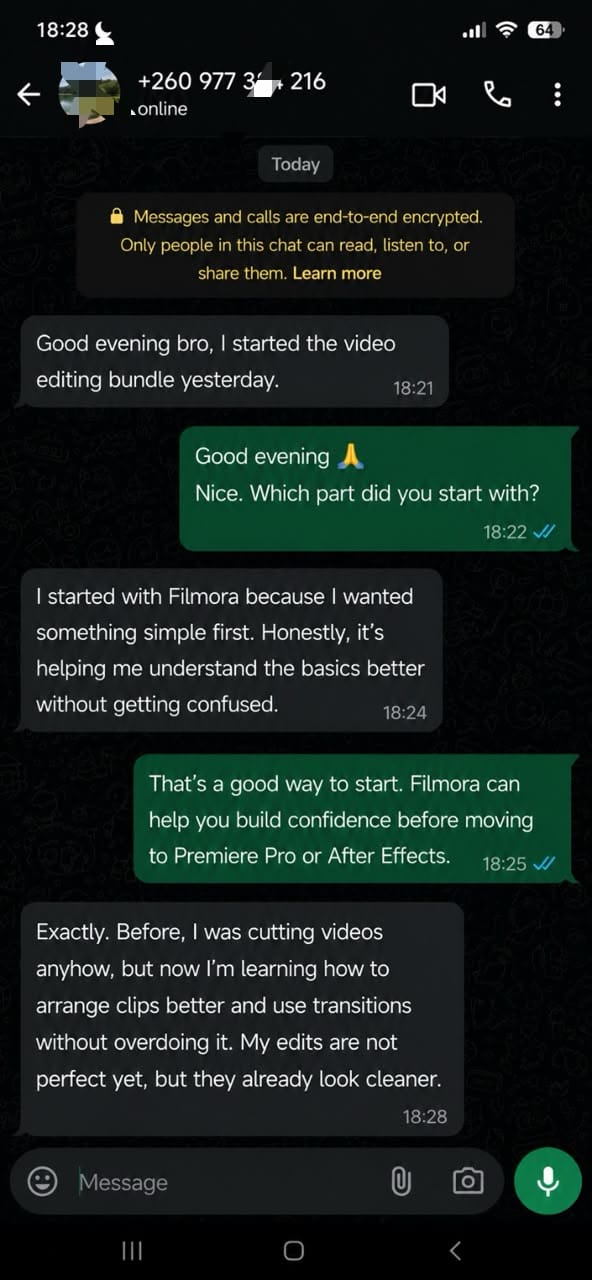
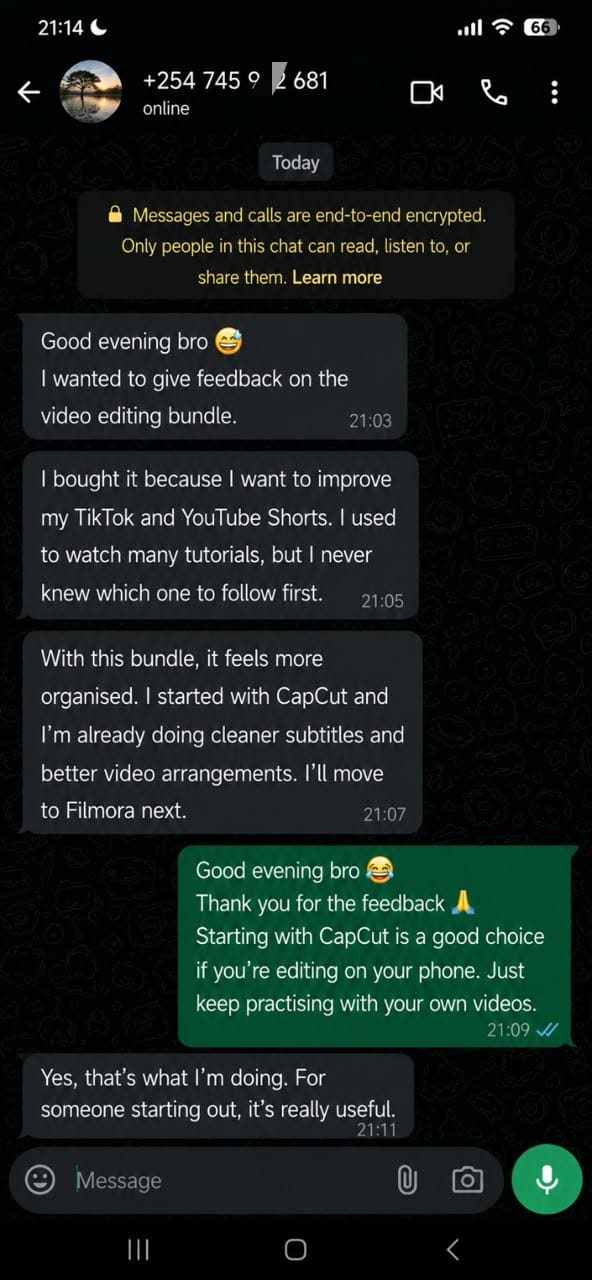
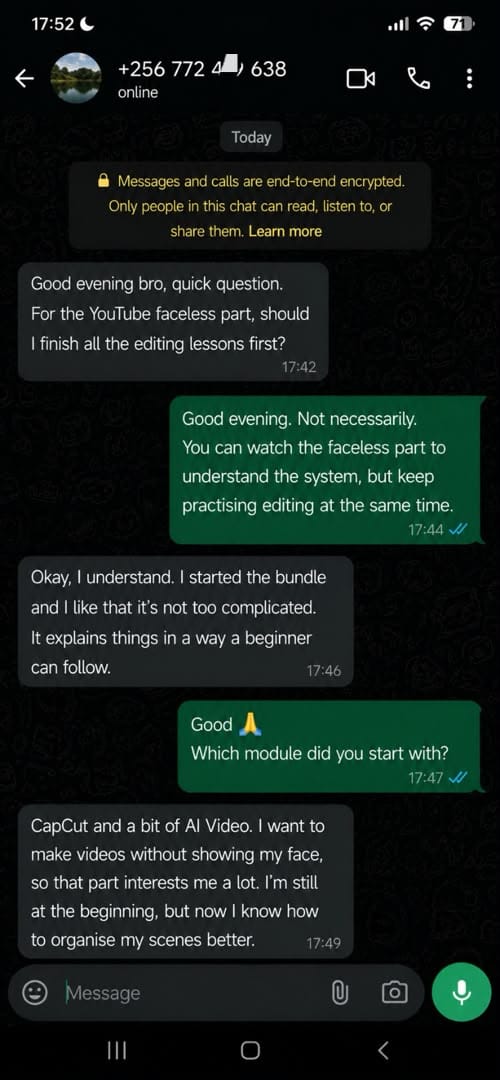
Learn professional video editing, master 6 powerful tools, and build a skill you can turn into paid opportunities
🔥 80% OFF — LIMITED-TIME OFFER
⚡ You watch amazing edits every day… but you still don’t know how to create the same results
Every day, you see impressive videos on YouTube, TikTok, and Instagram.
Smooth transitions.
Dynamic captions.
Cinematic colours.
Professional intros.
Effects that capture attention in seconds.
You watch those videos and think:
“I wish I knew how to do that.”
So you start searching.
One CapCut tutorial.
One Premiere Pro video.
Another lesson on After Effects.
Then a quick colour-grading tutorial in DaVinci Resolve.
You download different apps.
You start a few projects.
You try to copy the effects.
But very quickly…
👉 the lessons become confusing
👉 the tutorials have no clear order
👉 some explanations are too advanced
👉 your projects remain unfinished
👉 your videos still look like beginner edits
And the more tutorials you watch, the more you feel like you are not moving forward.
The problem is not that you lack talent.
The problem is that no one has given you a clear, complete, step-by-step learning path.
🚫 Stop getting lost in the maze of random tutorials
The information already exists online.
But it is scattered everywhere.
One video teaches cutting.
Another shows one transition.
Another explains colour.
Another talks about getting clients.
But no one clearly shows you:
✅ what to learn first
✅ which software to use at your level
✅ how to complete a full project
✅ how to make your videos look truly professional
✅ how to build a portfolio
✅ how to present your services to clients
✅ how to turn your skill into real opportunities
You may know a few tricks.
But knowing tricks is not the same as mastering a valuable skill.
And while you keep hesitating…
Other creators are publishing.
Other freelancers are improving.
Other beginners are building their portfolios.
Other editors are starting to offer their services.
Every month without a clear method is another month spent watching instead of creating.
🚀 HERE IS THE SOLUTION: A COMPLETE PATH FROM CONFUSED BEGINNER TO CONFIDENT EDITOR
The Complete 6-in-1 Video Editing Mastery Bundle is a complete training system designed to teach you video editing from the basics to a more professional level.
No previous experience is required.
You do not need to be a graphic designer.
You do not need to know the software already.
You do not even need a powerful computer to begin immediately.
You can start with your phone using CapCut, then gradually move to more professional tools.
Everything is organized to help you move forward step by step.
Inside one bundle, you will learn:
✔️ Adobe Premiere Pro
✔️ Adobe After Effects
✔️ DaVinci Resolve
✔️ Filmora
✔️ CapCut
✔️ AI Video Creation
You will also receive training on YouTube, faceless channels, client acquisition, pricing, and turning your editing skill into paid opportunities.
You are not only learning how to edit videos.
You are building a complete skill set used by creators, entrepreneurs, freelancers, and brands every day.
📚 WHAT YOU WILL LEARN INSIDE
1️⃣ ADOBE PREMIERE PRO
Premiere Pro is one of the most widely used professional video editing tools.
You will learn:
✔️ how to import and organize your footage
✔️ how to cut clips cleanly
✔️ how to remove unnecessary parts
✔️ how to create smooth transitions
✔️ how to sync video and audio
✔️ how to improve poor sound quality
✔️ how to add text and captions
✔️ how to create professional lower thirds
✔️ how to organize your timeline without confusion
✔️ how to export sharp videos for YouTube, TikTok, and clients
👉 Perfect for long-form videos, short-form content, and client projects.
2️⃣ ADOBE AFTER EFFECTS
After Effects helps you add more movement, style, and impact to your videos.
You will discover:
✔️ how to create motion graphics
✔️ how to animate text
✔️ how to add cinematic effects
✔️ how to create intros
✔️ how to build logo reveals
✔️ how to add smooth camera movements
✔️ how to make your edits more dynamic
✔️ how to give your work a more advanced look
👉 Ideal for advertisements, brand videos, intros, and motion design.
3️⃣ DAVINCI RESOLVE
Poor lighting and flat colours can make a good video look weak.
With DaVinci Resolve, you will learn:
✔️ how to correct bad exposure
✔️ how to improve colour
✔️ how to create a cinematic look
✔️ how to match different clips
✔️ how to perform basic edits
✔️ how to clean and balance audio
✔️ how to give your videos a polished final finish
👉 This is the module that helps turn ordinary footage into clean, professional-looking video.
4️⃣ FILMORA
Filmora is a great option for beginners who want fast results without being overwhelmed.
You will learn:
✔️ drag-and-drop editing
✔️ how to use transitions
✔️ how to add effects and animations
✔️ how to use animated text
✔️ how to create social media videos
✔️ how to handle quick client projects
✔️ how to export in different formats
👉 Perfect for beginners who want to create clean videos quickly.
5️⃣ CAPCUT — MOBILE VIDEO EDITING
Do you not have a powerful computer yet?
That is not a reason to wait.
With the CapCut module, you will learn:
✔️ how to edit directly on your phone
✔️ how to cut and arrange clips
✔️ how to use templates without making your videos look basic
✔️ how to create dynamic edits
✔️ how to use velocity effects
✔️ how to improve poor lighting
✔️ how to reduce background noise
✔️ how to add clean captions
✔️ how to export in high definition
👉 Perfect for TikTok, Instagram Reels, Facebook, and YouTube Shorts.
6️⃣ AI VIDEO CREATION
Artificial intelligence can now help you create scripts, visuals, scenes, and videos faster.
You will learn:
✔️ how to turn an idea into a script
✔️ how to create videos from text
✔️ how to generate scenes and visuals
✔️ how to combine AI-generated clips with real footage
✔️ how to improve AI results
✔️ how to avoid cheap-looking AI videos
✔️ how to use AI for ads and faceless content
👉 Save time without sacrificing quality.
🎁 BONUS — YOUTUBE & FACELESS CHANNEL TRAINING
Do you want to build a YouTube channel without showing your face?
You will learn:
✔️ how to start a channel from scratch
✔️ how to choose a niche
✔️ how to plan your videos
✔️ how to structure engaging content
✔️ how to edit for audience retention
✔️ how to create videos without appearing on camera
✔️ how to use voiceovers, visuals, and footage
✔️ how YouTube monetization works
✔️ how to publish more consistently
👉 This system can work for many niches, including history, motivation, finance, education, entertainment, health, and more.
💰 YOU DO NOT ONLY LEARN HOW TO EDIT — YOU ALSO LEARN HOW TO VALUE AND SELL YOUR SKILL
Many people learn a few editing techniques.
They can cut clips.
Add transitions.
Change colours.
But when it is time to find a client, they feel completely lost.
They do not know:
❌ how to introduce themselves
❌ where to find clients
❌ what to include in a portfolio
❌ how much to charge
❌ how to respond to a project request
❌ how to deliver work professionally
That is why this bundle includes the part many courses leave out.
You will learn:
✔️ how to build a simple portfolio
✔️ how to find clients online
✔️ how to present your services
✔️ how to set your prices
✔️ how to avoid working for too little
✔️ how to improve your offers over time
✔️ how to communicate with clients
✔️ how to position yourself in front of creators and brands
Learning to edit is powerful.
Learning how to present and sell that skill can open even more doors.
📈 CAN YOU EARN $500–$1,200 PER MONTH?
Video editing is a valuable and in-demand skill.
Creators, businesses, and brands regularly pay for:
- YouTube videos
- Shorts
- Reels
- TikTok videos
- advertisements
- training videos
- event videos
- promotional content
With strong skills, a good portfolio, suitable pricing, and consistent outreach, some editors can gradually work toward several hundred dollars per month.
Others may grow beyond that as they gain experience and better clients.
But it is important to stay honest:
⚠️ No income level is automatic or guaranteed.
Your results will depend on:
- how much you practice
- the quality of your work
- your ability to find clients
- your pricing
- your consistency
- how professionally you deliver
This training does not promise easy money.
It gives you a valuable skill, practical tools, and a clear strategy for building real opportunities.
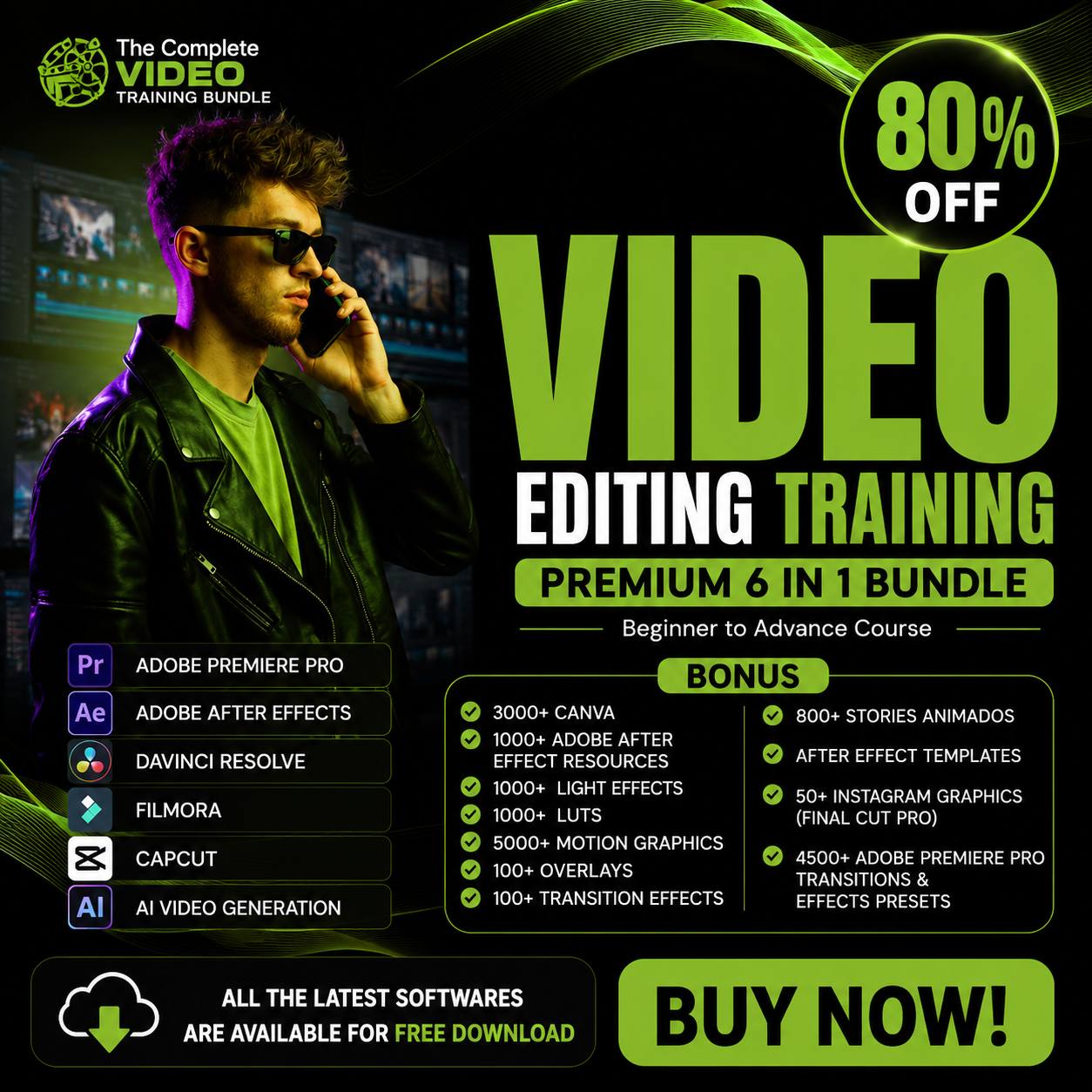
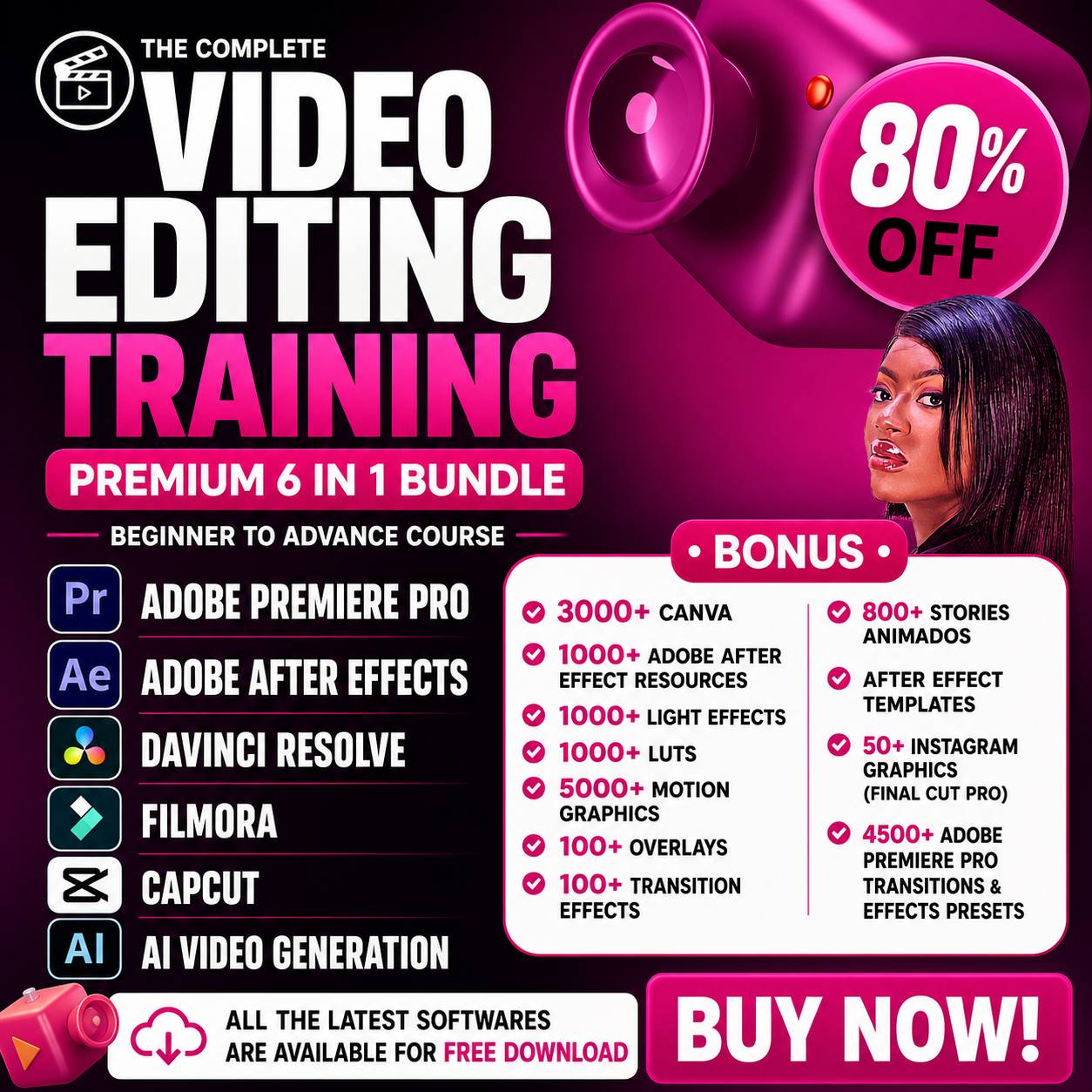
🎁 YOU RECEIVE 17,000+ PREMIUM EDITING RESOURCES
You will not begin with an empty library.
You will already have access to a large collection of resources designed to help your videos look more modern and professional.
🎁 3,000+ CANVA ASSETS
Use them to create:
✔️ YouTube thumbnails
✔️ social media graphics
✔️ covers
✔️ titles
✔️ promotional visuals
🎁 1,000+ AFTER EFFECTS RESOURCES
Ready-made elements that help you add animations and effects more quickly.
🎁 1,000+ LIGHT EFFECTS
Add:
✔️ light flares
✔️ cinematic lighting
✔️ visual atmospheres
✔️ modern effects
🎁 1,000+ LUTs
LUTs help you quickly transform the mood and colour of your videos.
Create looks that are:
✔️ cinematic
✔️ bright
✔️ dark
✔️ warm
✔️ cool
✔️ modern
🎁 5,000+ MOTION GRAPHICS
Add professional animation without building everything from scratch.
🎁 100+ OVERLAYS
Add textures, particles, lights, and visual effects to your footage.
🎁 100+ TRANSITIONS
Move from one scene to another with more style and smoothness.
🎁 800+ STORY TEMPLATES
Create vertical content quickly for TikTok, Instagram, Facebook, and WhatsApp.
🎁 50+ INSTAGRAM GRAPHICS
Improve the appearance and consistency of your social content.
🎁 4,500+ PREMIERE PRO PRESETS
Save time using effects and settings that are already prepared.
👉 Work faster.
👉 Improve your videos more easily.
👉 Make your work look more advanced from the beginning.
📦 HERE IS EVERYTHING YOU GET
✅ Complete Adobe Premiere Pro training
✅ Complete Adobe After Effects training
✅ Complete DaVinci Resolve training
✅ Complete Filmora training
✅ Complete CapCut training
✅ Complete AI Video Creation training
✅ YouTube and Faceless Channel training
✅ YouTube monetization training
✅ Portfolio-building guide
✅ Client acquisition strategies
✅ Pricing guide
✅ 17,000+ effects, LUTs, presets, and templates
✅ Instant access
✅ Lifetime access
✅ Learn at your own pace
✅ No monthly subscription
🎯 THIS BUNDLE IS FOR YOU IF…
✔️ you are a beginner and do not know where to start
✔️ you keep watching tutorials without making real progress
✔️ you already create content, but your videos still look basic
✔️ you want to learn a practical digital skill
✔️ you want to offer freelance editing services
✔️ you want to start a YouTube channel
✔️ you want to build a faceless channel
✔️ you are a business owner who wants better ads
✔️ you manage social media pages
✔️ you are a student or young graduate
✔️ you want to create better videos with your phone or laptop
If you have a smartphone or computer, you can begin.
⚡ IMAGINE YOURSELF A FEW WEEKS FROM NOW…
You open your editing software without feeling afraid.
You understand the timeline.
You know where to import your videos.
You know how to cut your footage.
You add smooth transitions.
You improve the audio.
You correct the colours.
You create professional captions.
And most importantly…
✅ you finally finish your projects
✅ you publish your videos with confidence
✅ you start building your portfolio
✅ you can show your work to potential clients
✅ you stop depending on random tutorials
✅ you own a skill you can continue improving
You will no longer watch a great video and think:
“I could never do that.”
You will start thinking:
“I understand how this works. I can create it too.”
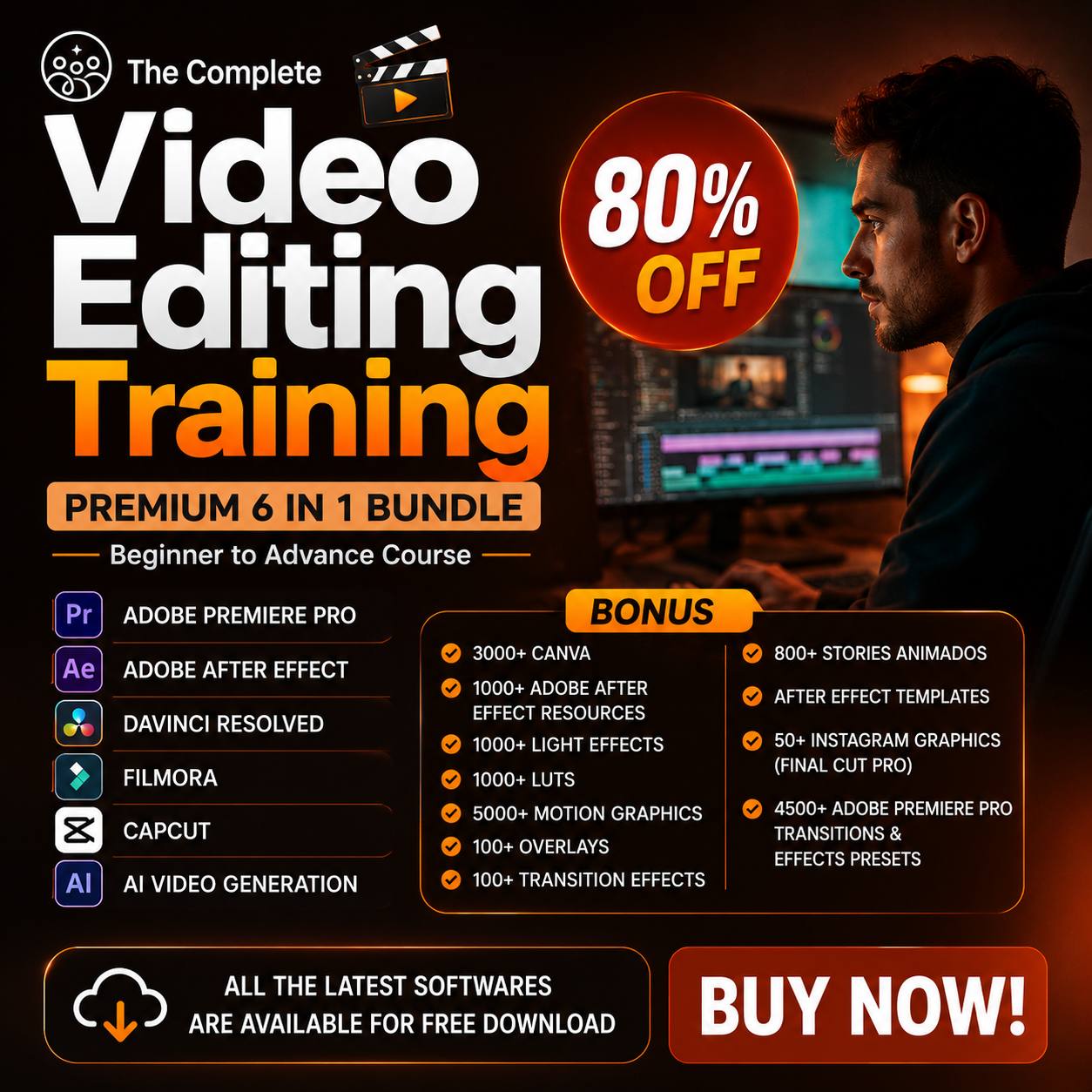
🔥 80% OFF — LIMITED-TIME OFFER
Today, you can get the complete bundle with one simple payment.
You receive:
✅ all 6 main training programs
✅ YouTube and Faceless Channel training
✅ the applications and tools included in the offer
✅ 17,000+ premium resources
✅ client acquisition guides
✅ pricing strategies
✅ portfolio-building resources
✅ instant access
✅ lifetime access
✅ no monthly subscription
👉 Click “Enroll Now” and start learning today.
🎯 TAKE ACTION NOW
You can continue to:
❌ watch random tutorials with no clear order
❌ start projects and never finish them
❌ remain confused by editing software
❌ create videos you are not proud of
❌ keep postponing a valuable digital skill
❌ wait until you have a better phone or computer
OR
✔️ start with the device you already have
✔️ follow a clear learning path
✔️ master six powerful tools
✔️ create better videos
✔️ build your portfolio
✔️ prepare your first offers
✔️ grow a skill that can serve you for years
Your problem is not a lack of talent.
You simply need the right path, the right tools, and the willingness to practise.
👉 Get The Complete 6-in-1 Video Editing Mastery Bundle now and move from confused beginner to confident creator.
💬 WHAT OUR STUDENTS SAY
Daniel ⭐⭐⭐⭐⭐
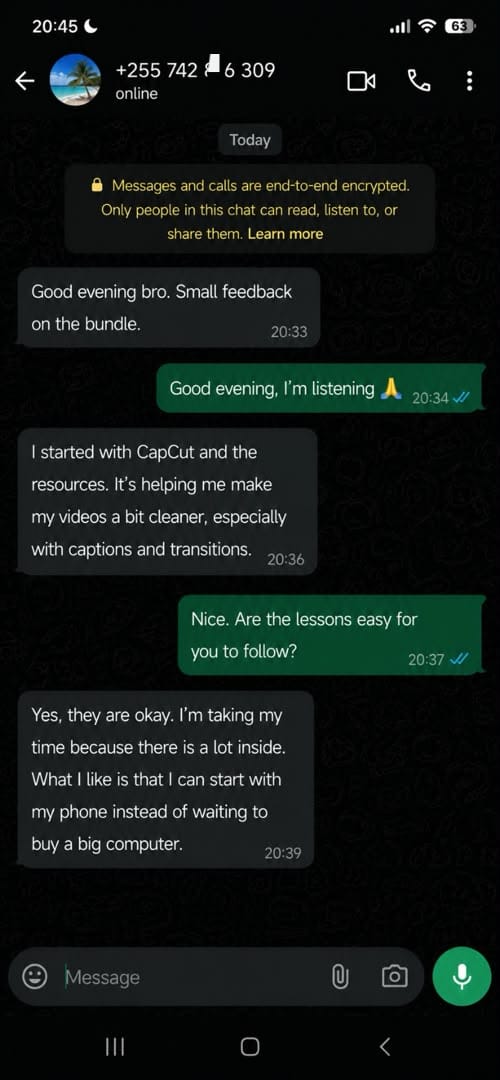
I had watched so many tutorials, but I still did not know what to learn first. This bundle gave me a clear path. I started with CapCut, then moved to Premiere Pro, and my editing has improved a lot.
Sarah ⭐⭐⭐⭐⭐
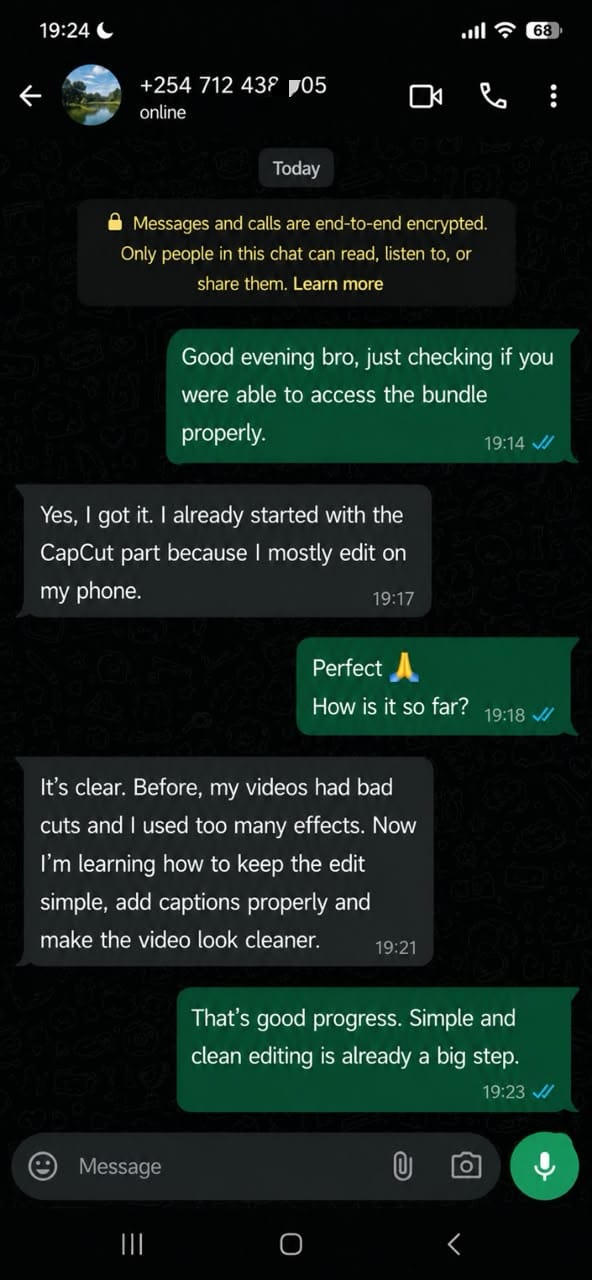
I only had my phone when I started, so the CapCut section was perfect for me. I now create cleaner videos for my business and social media pages without paying someone for every small edit.
Kevin ⭐⭐⭐⭐⭐
What I liked most is that the training does not stop at editing. The portfolio, pricing, and client sections helped me understand how to present my skills more professionally.
Amina ⭐⭐⭐⭐⭐
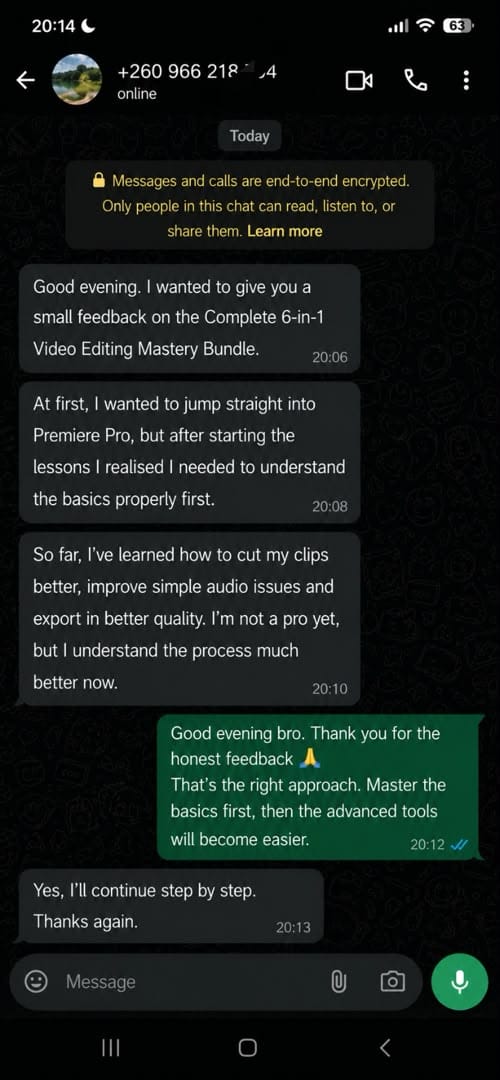
Premiere Pro looked very difficult before. The step-by-step lessons made the timeline, transitions, captions, and exporting much easier to understand.
Samuel ⭐⭐⭐⭐⭐
The LUTs, presets, and transition packs save me a lot of time. Even while I am still learning, my videos already look much better and more polished.
Grace ⭐⭐⭐⭐⭐
The faceless YouTube training gave me a clear idea of how to create content without being on camera. I now understand how to plan, edit, and structure the videos.
Nathan ⭐⭐⭐⭐⭐
DaVinci Resolve helped me understand why professional videos look different. Learning how to correct lighting and colour completely changed the quality of my work.
Rebecca ⭐⭐⭐⭐⭐
This bundle contains so many useful resources. I use the templates, motion graphics, and Premiere Pro presets for different projects, and everything is easy to access.